remove PDF metadata on iPhone
Remove PDF metadata on iPhone. Review the result.
Metadata Cleaner: Word & PDF scans supported metadata on your device, shows what it found, and creates a separate cleaned copy.
- Review before cleaning. See the supported properties the app detects.
- Keep the original. The app writes a separate cleaned copy.
- Work on the device. The document-cleaning workflow runs locally.
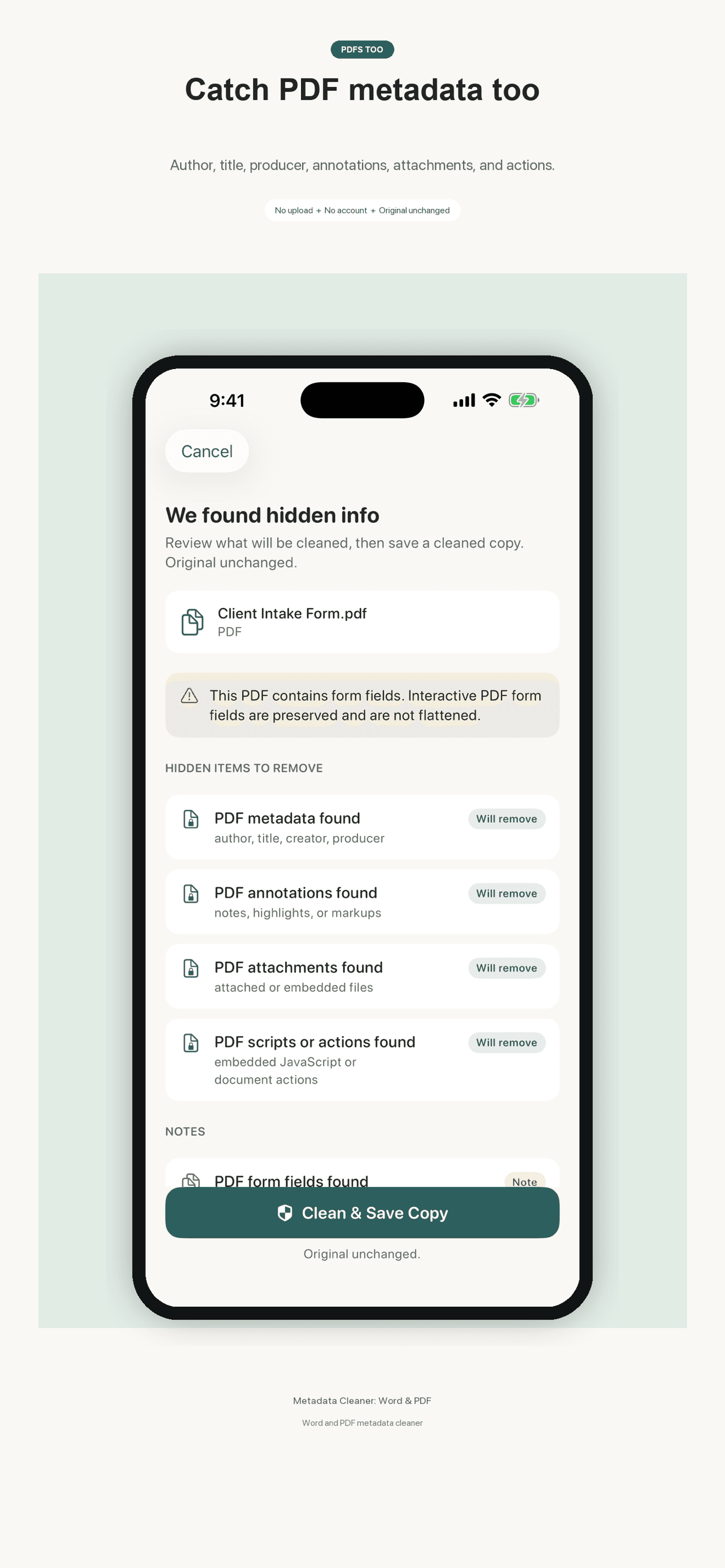
A clear three-step workflow.
The app makes the process visible: choose a file, review the supported findings, then create and review a separate copy.
Choose a PDF
Select the document you intend to review before sharing.
Review the findings
See which supported metadata properties the app detected.
Save a cleaned copy
Create a separate output and review it before you send it.
Useful cleaning, with clear boundaries.
Metadata Cleaner removes the document properties it supports and rescans the separate copy so you can review what remains. It is not a redaction tool: it does not remove visible page content, perform OCR, inspect photo metadata inside embedded images, or flatten interactive form fields. XMP packets are detected but not fully parsed. Always review the cleaned copy before sharing sensitive material.