REST API
Use it in your application
Make HTTP requests from your application to search software records and get structured results.
API documentationHugging Face + GitHub finds, setup details and more.
Discover useful tools. Understand what they do.
Actively curated tools and local models from GitHub and Hugging Face, with discoveries and updates throughout the day. Read the feed on our website.
Free: 1 request/month. Pro: 1,000 requests/month.
Developer access: REST API + MCP · API documentation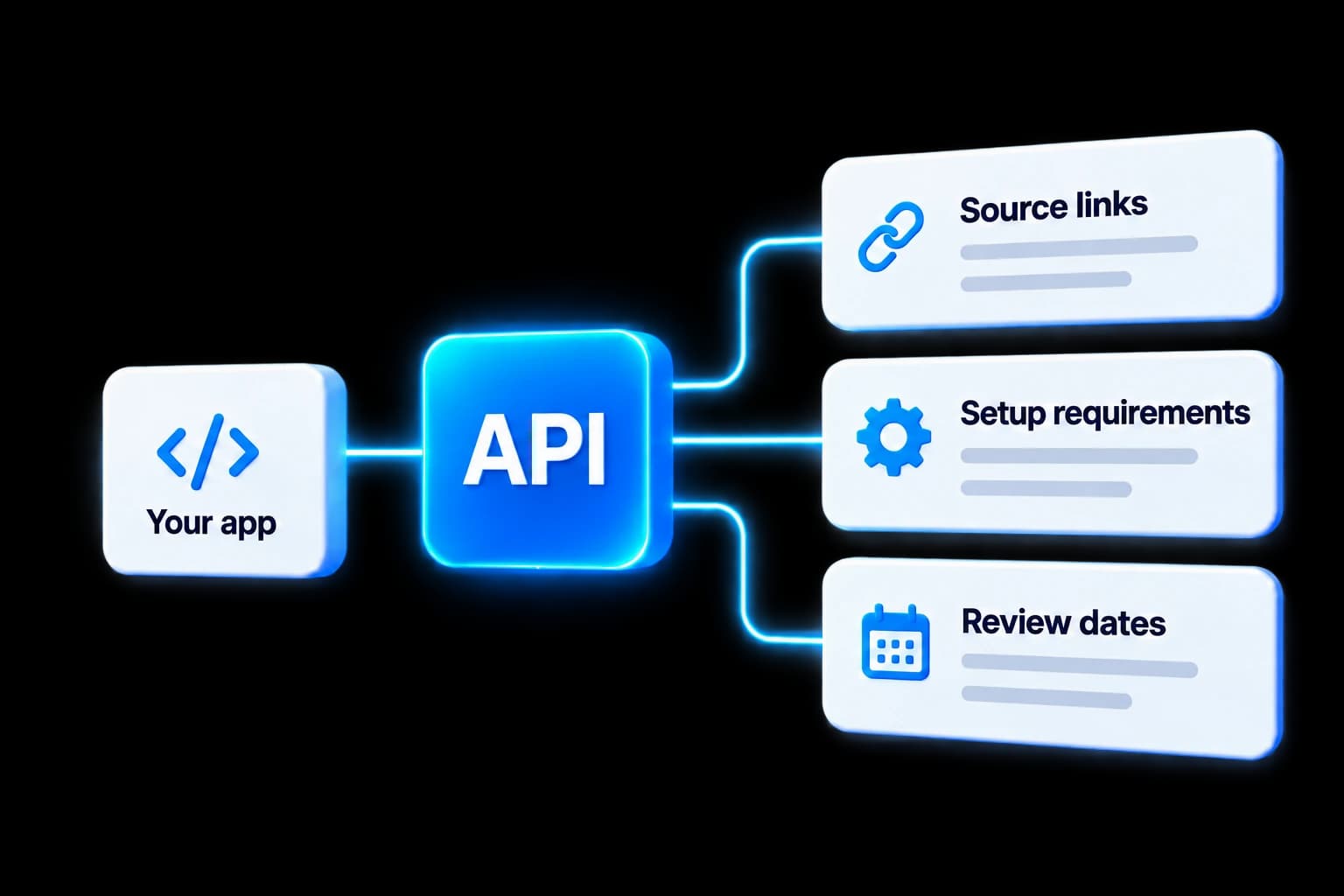
Catalogue information
Each result includes information to help you evaluate a tool before spending time setting it up.
Where to find the software
Listed platforms
What is needed to set it up
The source’s license declaration
When the source was last reviewed
Two ways to connect
Access software information through a REST API or MCP tools. Both return structured records from the curated catalogue.
Use it in your application
Make HTTP requests from your application to search software records and get structured results.
API documentationConnect a compatible AI assistant
Use MCP tools in a compatible AI assistant to search the catalogue and retrieve software information.
View plans on MCPizeExample
An example MCP request and an existing matching public sample. The API returns information; it does not install or run the software it finds.
{
  "query": "SpeechBrain",
  "limit": 1
}Example catalogue record
Separate a two-speaker audio mixture into two replayable WAV tracks.
Setup component, not a finished recorder app. Reviewed SpeechBrain 1.1.2 release/tag c0241278f93ef02cd5191f03caf4e5f8e1292bf6 equals current source (2026-10-14). Python >=3.8.1, matching PyTorch/torchaudio >=2.7.1, soundfile >=0.12.1, HyperPyYAML and other declared dependencies. PyPI publishes the package and matching torch/torchaudio 2.7.1 wheels for Python 3.10-3.13 on macOS arm64. CPU is supported in the actual interface; CUDA is optional. No automatic Apple MPS or speed claim. The ungated Apache-2.0-declared speechbrain/sepformer-wsj02mix checkpoint is a separate first-use download (~113 MB repository storage), not fetched in this review. Narrow route: mono, two-speaker mixture at 8 kHz. It was trained on WSJ0-2Mix; quality on meetings, noisy recordings, accents or more speakers is not established. Output order need not identify the human speakers. Primary model card saves using torchaudio; current SDK also implements soundfile-based audio_io.save. No audio, dependencies or checkpoints installed/executed; source verification only.
Give it a mono recording containing two overlapping speakers and receive two separate 8 kHz WAV files. This supplies separate audio tracks to replay or pass to an existing transcription tool, removing manual attempts to untangle both voices in one mixed track. It separates waveforms; it does not name speakers, transcribe them or establish evidentiary accuracy.
Source review only; software was not installed or run, and individual accessibility fit was not tested.
API documentation
Use your marketplace’s gateway URL and account credentials. Search accepts a query, category, platform, limit and offset; each result limit is 1–25.
REST searchGET /search?query=SpeechBrain&limit=1
Choose your access
Accounts, access and billing are handled by MCPize.
Catalogue access. Third-party software and services are obtained separately.
Prefer to read the finds? Open Curated Finds