




What you can do
RECORD INTO FOLDERS • Folder-first voice recorder: choose where each recording belongs before your record, so every voice note starts organized. • Local-first by design. Your recordings stay on your device. • Create folders for ideas, songs, classes, clients, projects, journals, interviews, lectures, or anything you want to find again. Then record directly into the right folder.
• No messy recording list. • Search recording titles, notes, and transcripts so you can find the spoken idea. • Transcribe recordings on device when supported by your device, language, and iOS. If on-device transcription is not available, the app does not fall back to cloud transcription.
More app details
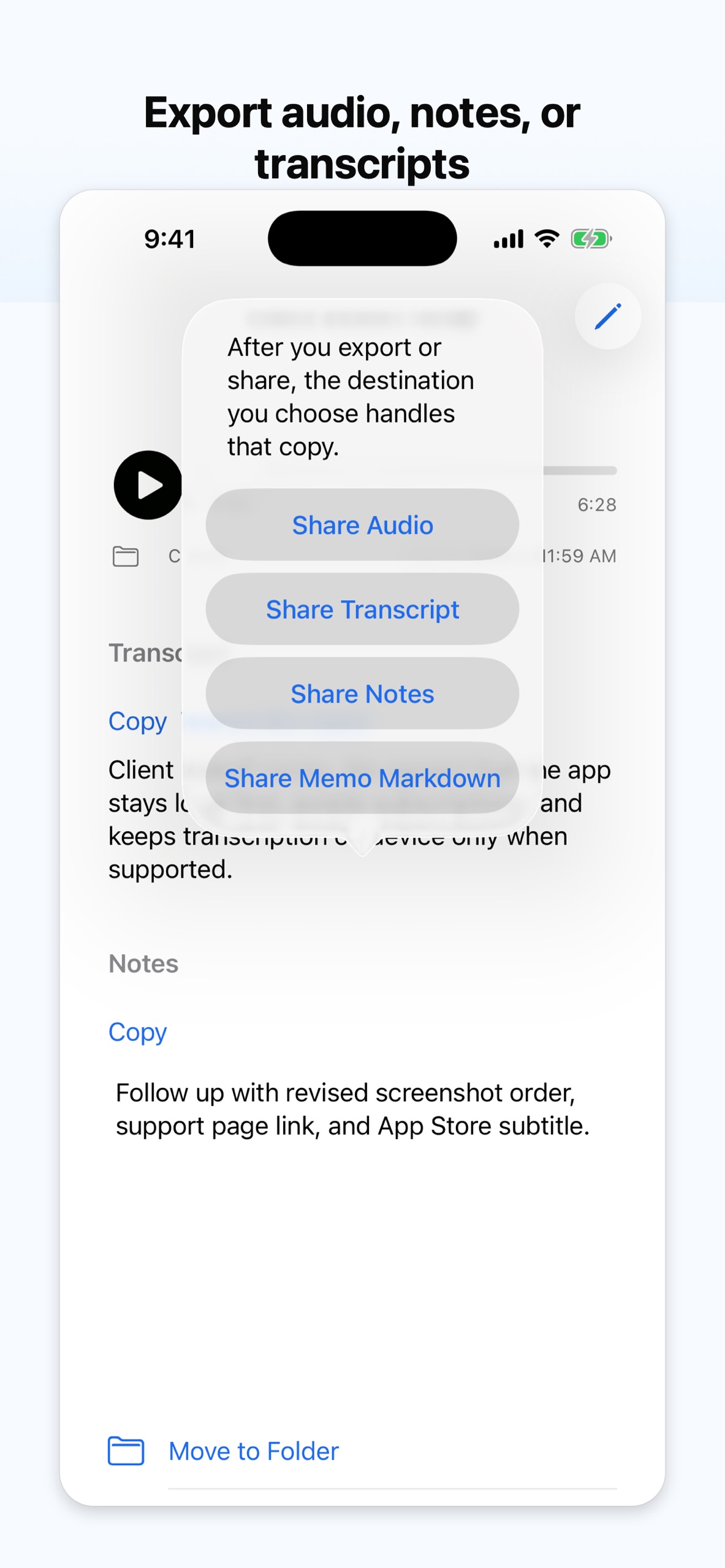
• Lock private folders with device authentication. Use them for recordings you prefer to keep out of your normal folder list. • Share or export audio, notes, or transcripts when you want to move a recording somewhere else. • We cannot recover lost recordings. • Private folders are protected by device authentication.
Terms of Use: https://myworkingmemory.ai/privatevoicenotes-terms.html Privacy Policy: https://myworkingmemory.ai/privatevoicenotes-privacy.html